01-OpenRouter Large Model API Aggregation Platform
Concept Introduction
1.1 What is "OpenRouter"?
OpenRouter is a large model API aggregation platform. It provides a unified API interface (compatible with the OpenAI API format) that allows developers to access multiple large language models using a single API key.
Instead of managing separate accounts and APIs for platforms such as OpenAI, Anthropic, or Google, OpenRouter offers a single entry point to both open-source and commercial models.
Core Advantages
- Model Flexibility – Switch between GPT, Claude, Llama, Gemini, and other models by changing configuration only.
- Cost Transparency – Easily compare pricing across different models.
- Rapid Access to New Models – Newly released models are often available quickly.
To enable OpenRouter in the largemodel project, set:
llm_platform: openrouter
2. Practical Operations
2.1 Obtaining API Credentials
- Register an account at: https://openrouter.ai/
- Add credits (optional). Free models are available but may have rate limits.
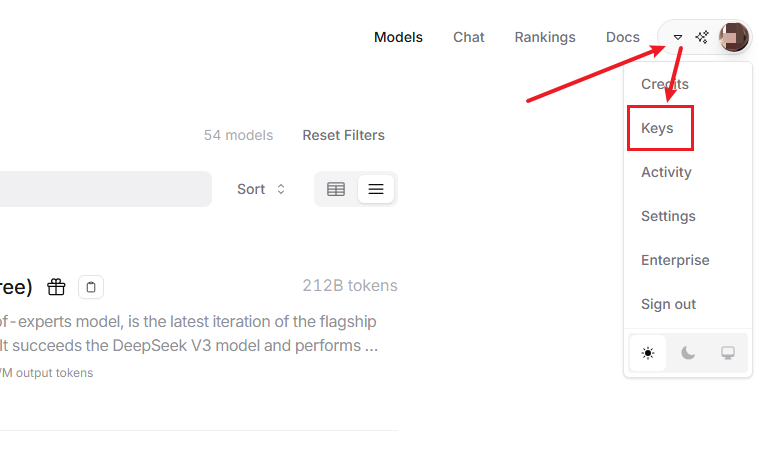
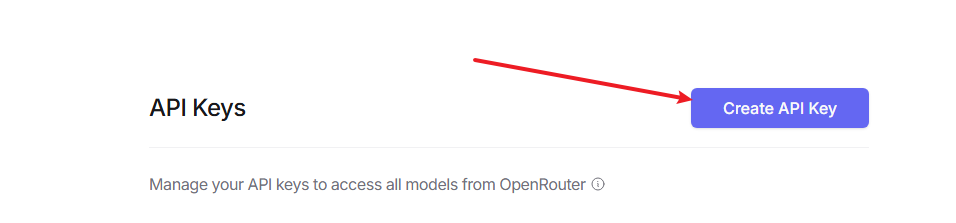
- Navigate to Keys and generate a new API key.
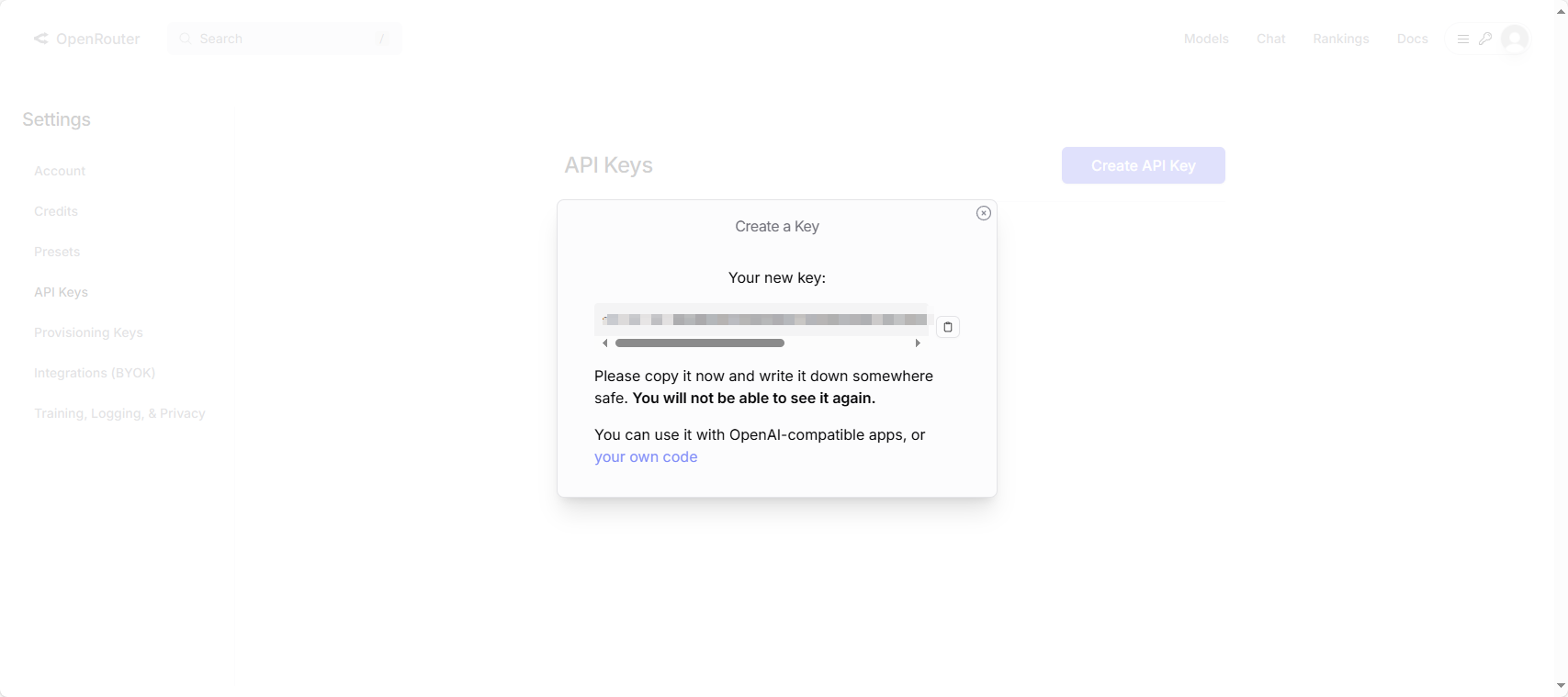
- Copy and securely store the API key.
2.2 Graphical Walkthrough
- Visit the OpenRouter website:
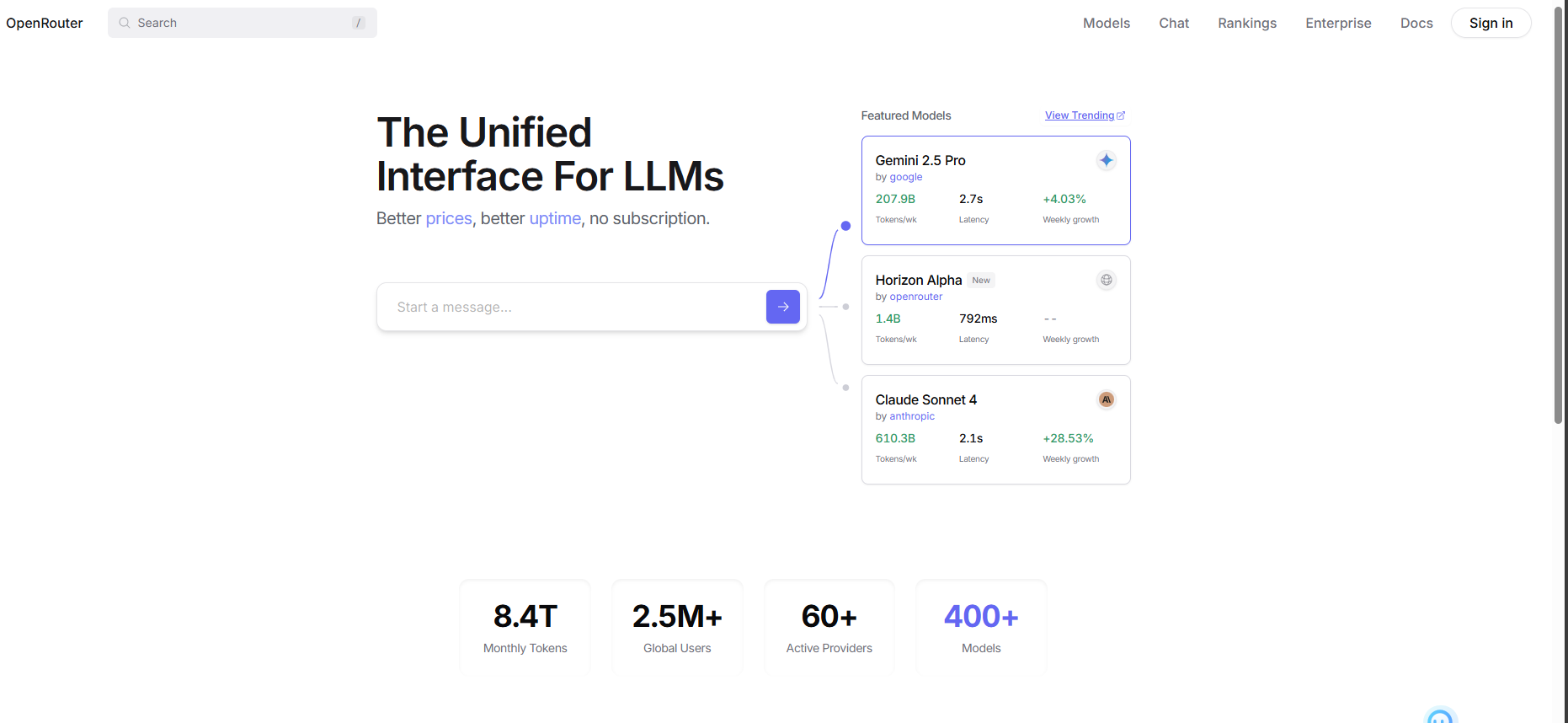
- Register and sign in.
- Open the model marketplace.
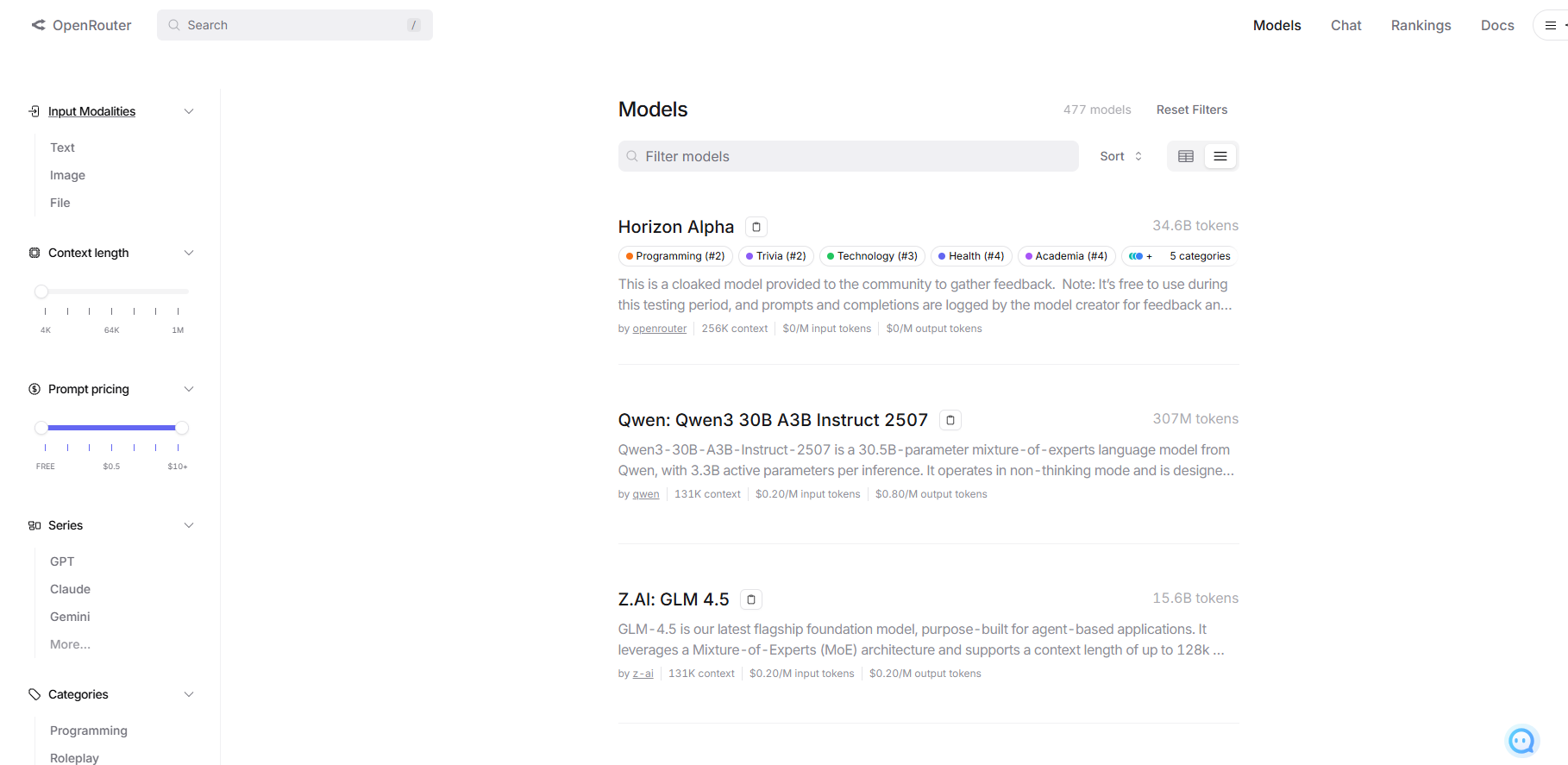
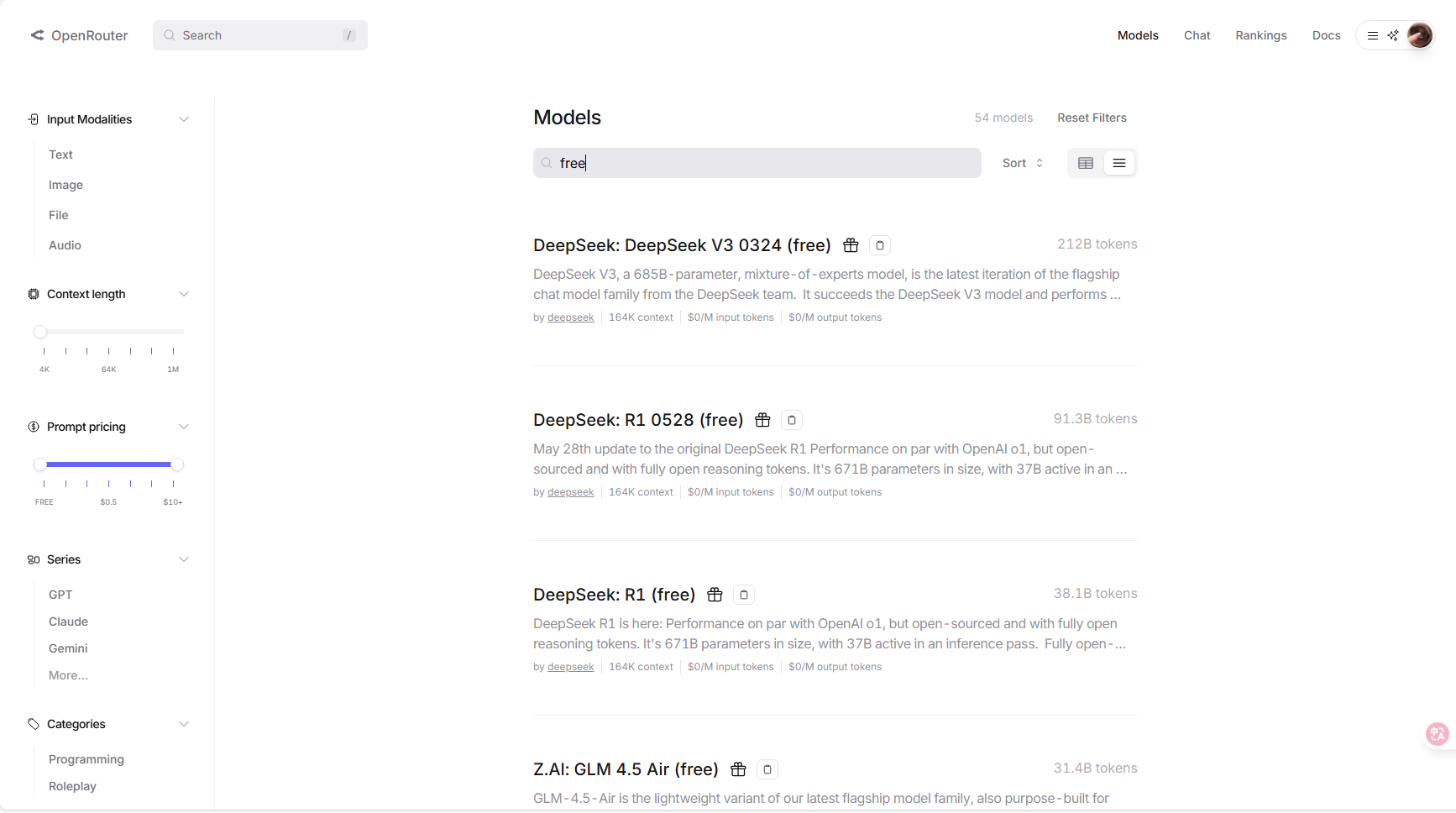
- Search for
freemodels.
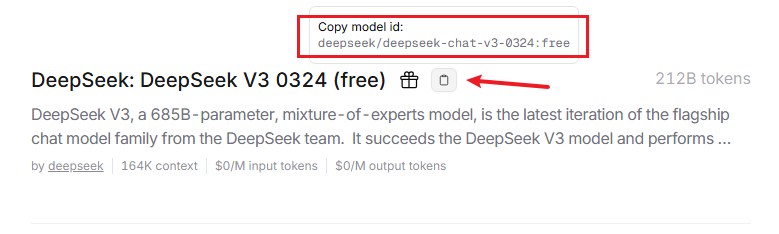
- Copy the model identifier using the clipboard icon.
- Open Keys from the profile menu.
- Create a new API key.
- Copy and save the API key securely.
2.3 Configuration File Modifications
Step 1: Configure OpenRouter in large_model_interface.yaml
vim ~/hemihex_ws/src/largemodel/config/large_model_interface.yaml
Example configuration:
# OpenRouter Platform Configuration
openrouter_api_key: "sk-xxxxxxxxxxxxxxxxxxx"
openrouter_model: "moonshotai/kimi-k2:free"
Step 2: Switch Platform in hemihex.yaml
vim ~/hemihex_ws/src/largemodel/config/hemihex.yaml
Update the platform:
llm_platform: 'openrouter'
Step 3: Rebuild the Workspace
After updating configuration files, rebuild the workspace to apply changes.
Notes
- Keep API keys private and out of version control.
- Free-tier models may have request or performance limits.
This documentation is maintained by HemiHex and describes how to use OpenRouter as an online large-model backend.